Hyper Draw Getting Started Guide
Your first-hour checklist for Studio Giraffe’s advanced Roblox drawing competition.
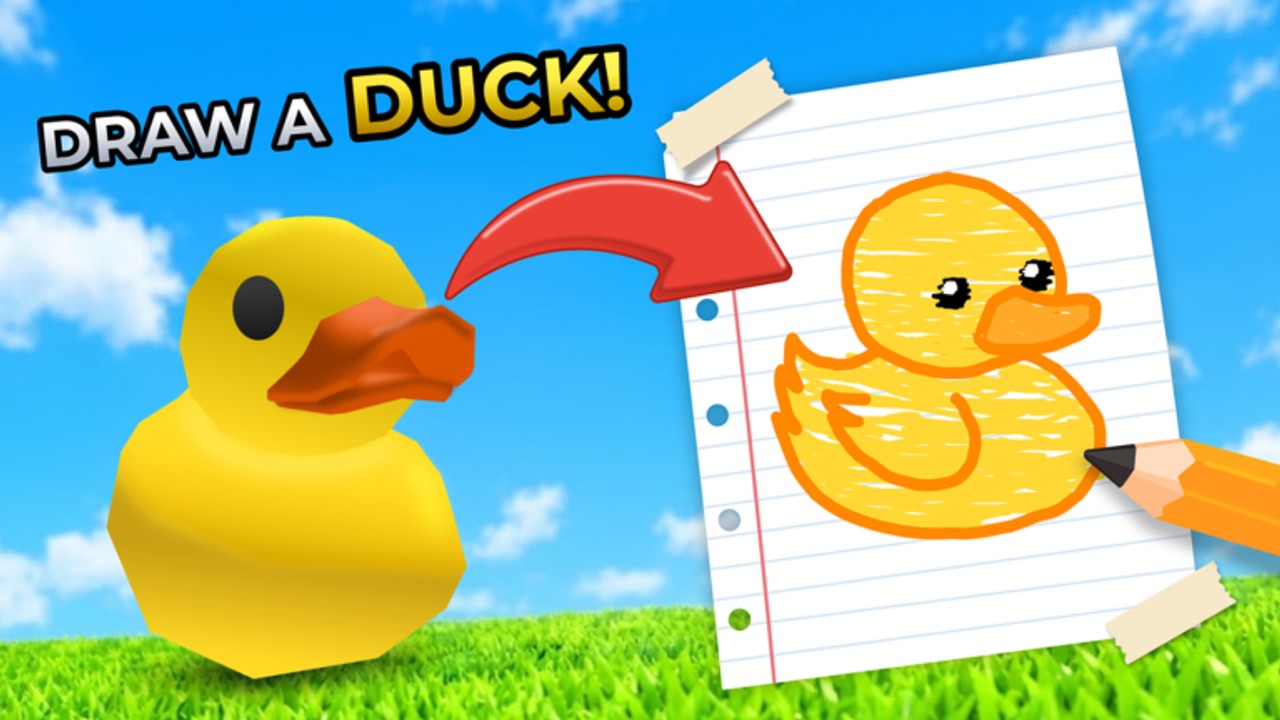
Welcome to Hyper Draw
Hyper Draw! is a free Roblox Party & Casual experience by Studio Giraffe where up to 12 players compete to illustrate a theme, then vote with emojis before a fireworks ceremony. It launched on 9 December 2024 (universe 6899325466) and emphasizes advanced brushes, save/load, and moderated sharing. If you can click-drag and read a prompt, you can play—winning consistently just takes a short onboarding loop.
First-match checklist
- Open the official Hyper Draw page and press Play.
- Wait for the lobby to finish loading UI; do not panic if tools appear a second late on mobile.
- When the theme drops, read it twice. Misreading “pear” as “bear” wastes the whole round.
- Select a brush with keys 1–7 (or the on-screen tool rack on touch).
- Block the biggest silhouette first—head, body, or object outline.
- Add only two readable details before the timer warns you.
- Submit, watch the vote, and note which pieces earned reactions.
- Favorite the experience and join Studio Giraffe so updates ping you.
Core loop explained
Hyper Draw rounds cycle through theme → draw → vote → ceremony. During draw time you can switch free Tool 2 brushes (crayon, airbrush, watercolor), undo with Z, redo with Y, and save/load artwork when the UI offers it. After submissions, players react with emojis; strong, readable art tends to float upward even if it is not the most detailed. Fireworks close the round and the next theme begins.
Because Roblox moderation reviews drawings before they publish or replicate, keep subjects appropriate. All-ages lobbies stay healthier when everyone treats the canvas like a shared sketchbook, not a shock feed.
Free tools you should touch on day one
- Crayon — crisp shapes and icons.
- Airbrush — soft shade and atmosphere.
- Watercolor — organic washes for nature themes.
Full comparisons live in tools and brushes and the tier list. Memorize keybinds via the controls sheet so you stop hunting icons mid-timer.
Watch a real lobby before your second match
The gameplay video below shows a full Hyper Draw session vibe—use it to preview pacing, voting, and how clear shapes beat muddy detail.
After your first three matches
- Review drawing tips and apply silhouette-first on the next three rounds.
- Skim how to win votes so you understand emoji psychology.
- Practice awkward themes inside private servers with unlimited time extensions.
- Check codes occasionally (none verified yet) and updates after big like milestones.
- Ignore shady scripts until you understand fair fundamentals—and preferably forever.
Common beginner mistakes
| Mistake | Fix |
|---|---|
| Starting with tiny details | Silhouette first |
| Ignoring undo | Spam Z, then redirect |
| Copying photo realism every round | Aim for icon clarity |
| Never saving good bases | Use save/load when available |
| Skipping votes | Voting teaches the meta |
Where to go next
Return to the guides hub for the full index, browse players for etiquette, and keep official links bookmarked for the live Roblox destination. Hyper Draw rewards reps more than secrets—queue another match while this checklist is fresh.
Session goals for week one
Treat your first week as a training camp. Day one is about surviving the timer without panic. Day two is about hitting silhouette readability on every theme. Day three is about choosing the right free brush without staring at the hotbar. Keep a simple notebook—or a Roblox private message to yourself—with three lines after each night: themes that beat you, brushes that felt good, and one vote winner you admired. That tiny log compounds faster than random YouTube tips.
When a round goes badly, do not rage-queue five more public matches. Jump into a private server, replay the same theme with unlimited time once, then return to public with a strict timer. The contrast teaches pacing. Share the habit with friends using the players hub workflows so your whole group climbs together instead of tilting alone.
Frequently Asked Questions
Quick answers to the most common Hyper Draw questions.
Is Hyper Draw free to play?
Yes. The experience is free on Roblox. Optional cosmetics may exist elsewhere, but the core competition does not require Robux.
How many players are in a Hyper Draw server?
Server size is 12 players according to the live experience details.
Are drawings moderated?
Yes. Official copy states Roblox moderation reviews drawings before they are published or replicated in-game.
What should I learn after this guide?
Read Controls, then Tools and brushes, then Drawing tips. That sequence covers UI, tool choice, and technique.